
Music
Your ROCK your BABY plays music through its built-in speaker. You decide which songs are on the device — use the music manager to load your own MP3 files onto it.
Playing music
Section titled “Playing music”- Tap Music (♪) to play a song. The first tap after switching on resumes the song you played last time.
- The current song repeats until you tap Music again to move to the next one. After the last song, playback stops.
- Songs play in alphabetical order of their file names.
- Hold Music for 2 seconds to stop the music.
The lights next to the Music button show a color for the current song (song 1 = red, 2 = green, 3 = blue, 4 = yellow, 5 = magenta, 6 = cyan). When no song is selected, these lights show the battery level instead.
Changing the volume
Section titled “Changing the volume”Hold Music and, while holding it, tap Plus or Minus.
- Each step is confirmed by a white flash on the Music lights.
- A red flash means you’ve reached the minimum or maximum volume.
Your volume setting is remembered after switching off.
Put your own songs on the device
Section titled “Put your own songs on the device”The music manager transfers MP3 files from your computer to your ROCK your BABY — right in your browser, no software to install. You need the same things as for a firmware update: a USB cable and a computer with Google Chrome or Microsoft Edge (phones, tablets, Safari and Firefox won’t work).
-
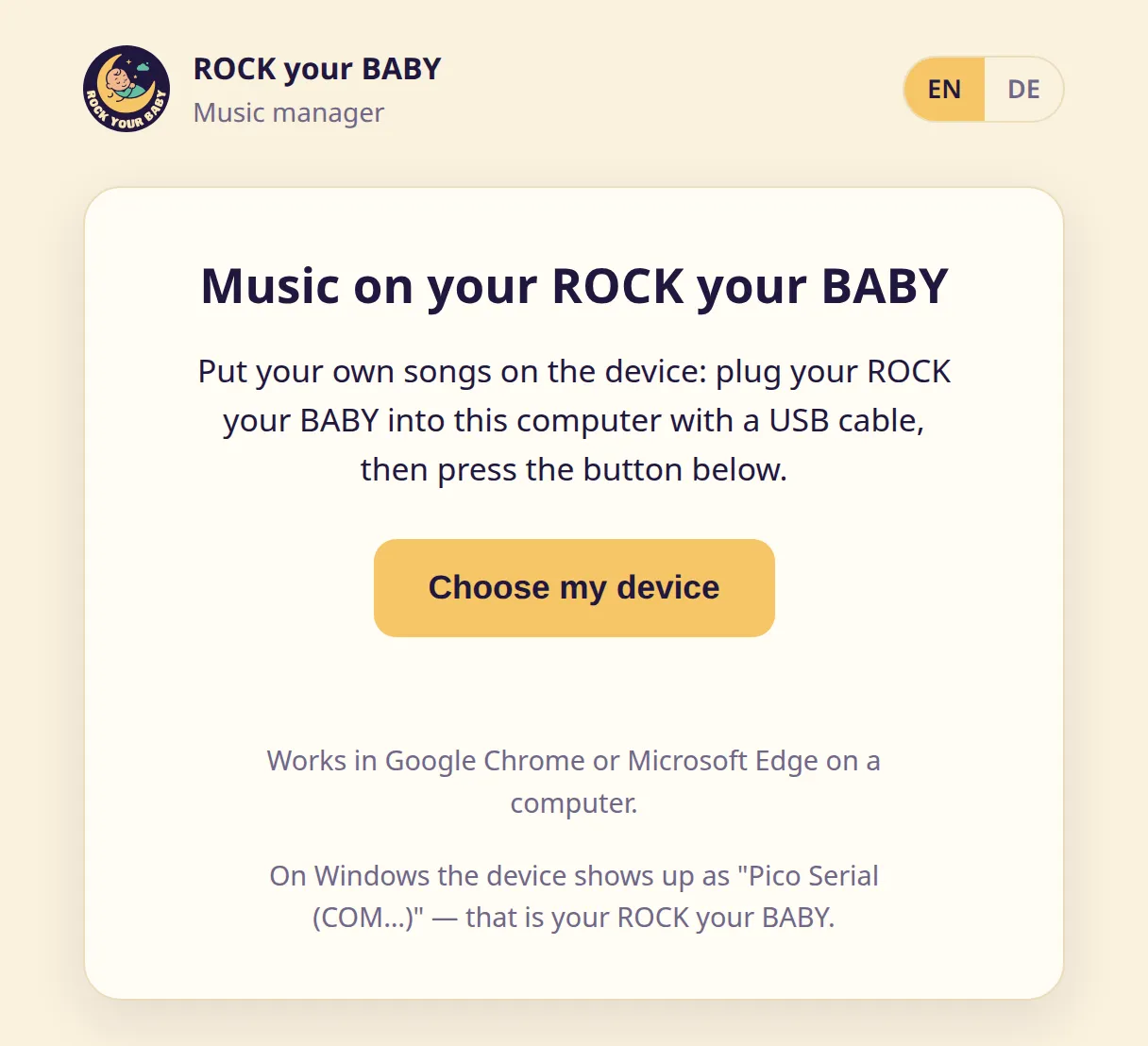
On your computer, open Chrome or Edge and go to https://updater.cullatecinternal.com/music/.
-
Plug your ROCK your BABY into the computer with the USB cable, switch it on and click “Choose my device”. Pick your ROCK your BABY from the small list your browser shows — just like for a firmware update.
-
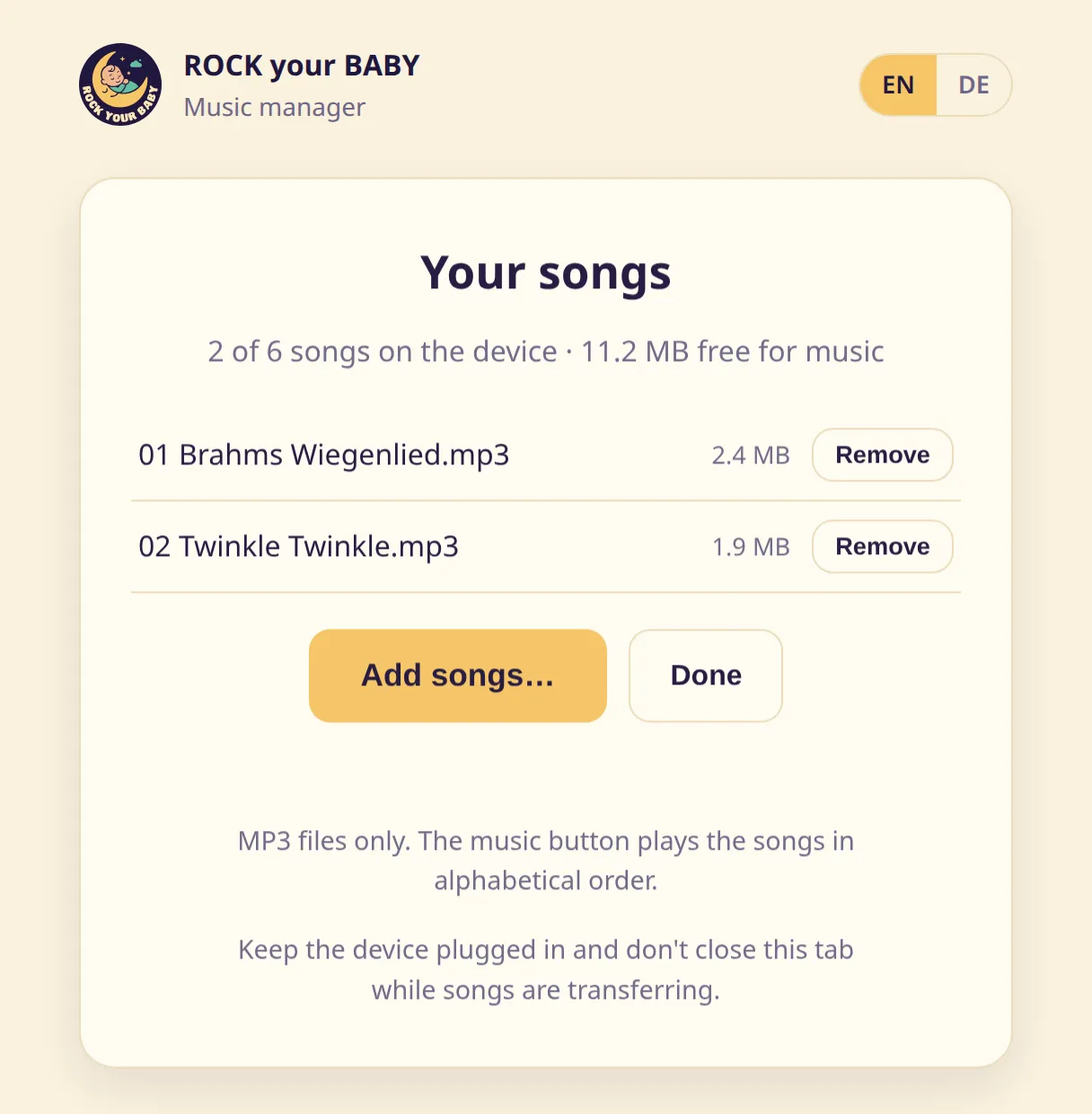
Under “Your songs” you can see which songs are currently on the device, how many of the 6 slots are taken, and how much space is still free.
-
Click “Add songs…” and pick one or more MP3 files. Keep the device plugged in and don’t close the tab while the songs are transferring.
-
“Remove” deletes a song from the device (the page asks for confirmation first). When you’re finished, click “Done” and unplug the device.
Manual version: v0.4.0